
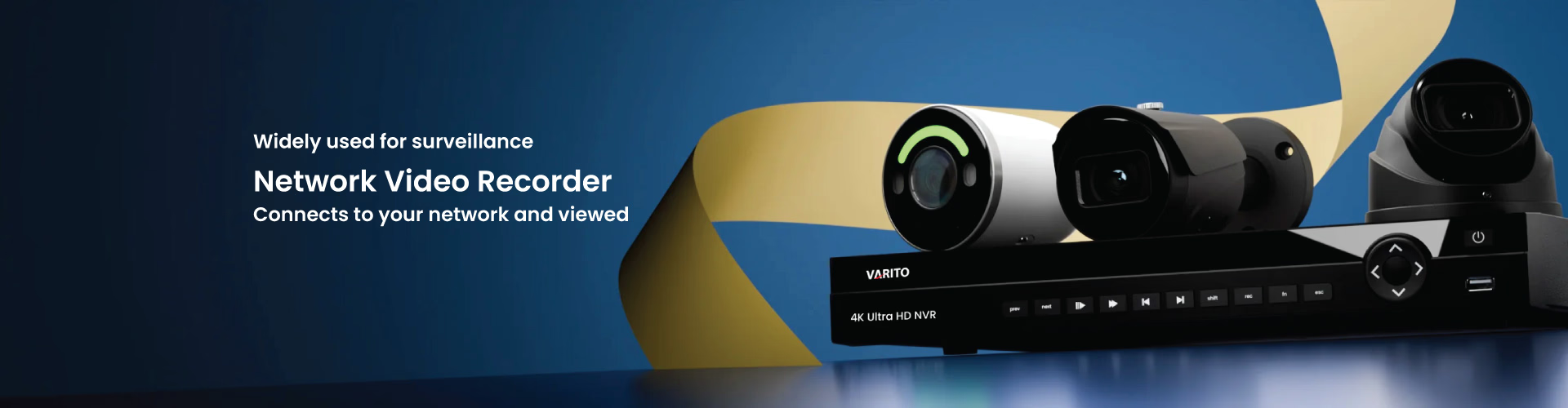
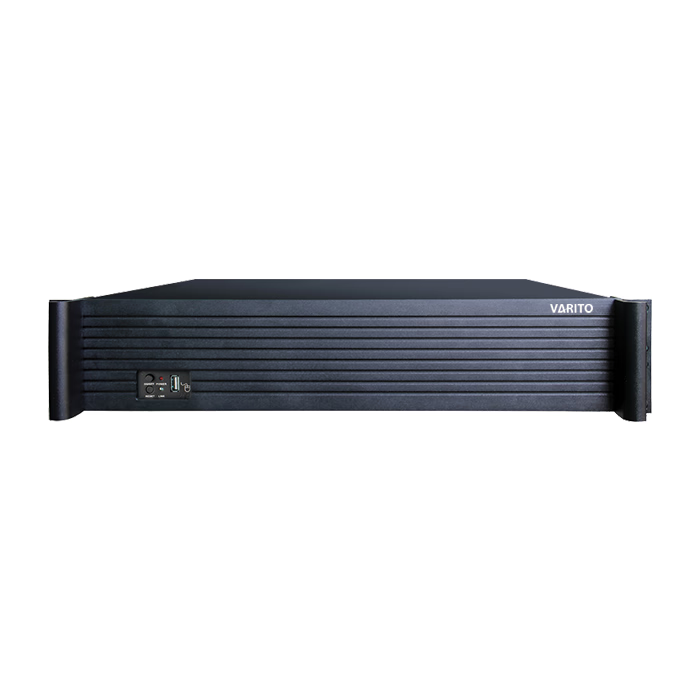
NVR (Network Video Recorder)
An NVR (Network Video Recorder) is the “brain” of a modern IP CCTV system. It receives video streams from IP surveillance cameras over a network (LAN/Wi-Fi), records them to storage (usually hard drives), and provides tools for live viewing, playback, backup, user access control, and event management.
What is NVR (Network Video Recorder)?
A Network Video Recorder (NVR) is a device (or specialized computer system) that records and manages video footage from network/IP cameras. Unlike a DVR, an NVR typically receives already-encoded video from IP cameras over the network and stores it on internal disks or external storage.
NVR vs DVR (Quick difference)
- NVR: Works with IP/network cameras; video is commonly encoded at the camera and sent over the network to the recorder for storage.
- DVR: Works with analog cameras (coaxial) and typically encodes video at the recorder (DVR).
This is why IP surveillance systems (higher resolution, smarter features, remote management) typically use an NVR as the core recorder.
How an NVR Works in an IP CCTV System
A typical NVR-based system works like this:
- IP camera captures video
- Camera encodes/compresses the video (H.264/H.265 or similar—model dependent)
- Video is streamed over the network to the NVR
- NVR records to HDD/SSD storage and organizes footage by camera, date, events
- Users can live view, replay, export clips, and manage users through a local monitor or network access
In a business setup, the NVR usually sits in a secure room (IT closet/security room) and connects to the network switch (often PoE).
Why NVR is Important for Modern Surveillance
1) Centralized recording and management
Instead of relying on SD cards in each camera, an NVR provides a single, centralized place to manage:
- Continuous recording (24/7)
- Motion/event recording
- Schedules and retention rules
- Playback and export for investigations
2) Scalability (from small to enterprise)
NVRs come in multiple “channel” sizes (commonly 4/8/16/32/64 channels and beyond). You can start small and scale up with larger recorders or multiple NVRs.
3) Higher resolution support
IP systems frequently use higher resolutions than analog systems, making NVR-based recording the standard choice for clarity and evidence.
4) Remote viewing and multi-user access
Because NVR systems operate on a network, remote access is possible through secure configurations and vendor software.
Key Parts of an NVR System
A complete NVR setup usually includes:
NVR unit (recorder)
- Embedded operating system or appliance-style hardware
- Channels (camera count)
- Decoding output (HDMI/VGA)
- Storage bays (HDD slots)
- Network ports (often 1–2 LAN ports)
IP cameras
- PoE cameras (wired) or Wi-Fi cameras (wireless)
- ONVIF support is common when mixing brands (more below)
Network switch (often PoE)
For PoE cameras, a PoE switch powers cameras and carries data over the same cable.
PoE standards (important buyer question):
- IEEE 802.3af can deliver up to 15.4W per port (with less guaranteed at the device).
- IEEE 802.3at (PoE+) provides higher power (commonly referenced ~25.5W at the device in many summaries).
Storage (HDD)
Storage sizing depends on:
- Number of cameras
- Resolution
- Bitrate/codec
- FPS
- Recording mode (24/7 vs motion)
- Retention days
Display and client devices
- Monitor connected to NVR
- PC client / mobile client for operators
Most Important NVR Features Buyers Look For
If you want your category page to convert, highlight these features clearly:
1) Channel count (4/8/16/32/64)
Buyers usually choose NVRs by channel. A simple rule:
- Buy an NVR with 20–30% extra channels for future expansion.
2) Recording bandwidth
Even if a recorder is “16-channel,” it might not handle maximum bitrate at high resolutions across all cameras. Recording bandwidth is a real-world limiter—especially for 4K or multi-sensor cameras.
3) Compression support (H.265/H.264)
Modern compression reduces storage use (depends on camera and NVR support).
4) Smart search and event features
Depending on brand and model, NVRs may support:
- Motion detection recordings
- Line crossing / intrusion events (often camera-side analytics + NVR event handling)
- Face/vehicle metadata search (advanced models)
5) HDMI output and decoding
For control rooms and local operators, smooth multi-camera live view and playback is key.
6) User roles and audit logs
Businesses often need:
- Admin vs operator permissions
- Export permission control
- Audit trails (who logged in, who exported footage)
ONVIF Compatibility (Why It Matters for NVR Buyers)
One of the top buyer fears is: “Will this NVR work with my cameras?”
ONVIF provides profiles/specifications to support interoperability of IP-based physical security products.
For video systems:
- ONVIF Profile is designed for IP-based video streaming and control between devices (cameras/encoders) and clients (VMS/NVR).
Practical advice for your category page:
- If your NVR supports ONVIF Profile S (and your camera does too), integration is often easier—especially when mixing brands.
- Still, always confirm actual compatibility (features can vary between implementations).
How to Choose the Right NVR
Step 1: Count cameras and add growth room
Example:
- You need 10 cameras now → choose a 16-channel NVR
- You need 20 cameras now → choose a 32-channel NVR
Step 2: Decide your recording mode
- 24/7 recording: best for evidence completeness (more storage)
- Motion/event recording: reduces storage, but depends on correct detection settings
Step 3: Estimate retention days
Common buyer targets: 7 days / 15 days / 30 days / 60+ days depending on business, compliance, and risk.
Step 4: Check bandwidth and decoding
For high-resolution systems (especially 4MP/5MP/4K), confirm:
- Total incoming bitrate support
- Playback decoding ability
- Multi-screen live view performance
Step 5: Choose PoE NVR vs standard NVR
PoE NVR (built-in PoE ports):
- Easier installation for small systems
- Plug cameras directly into NVR PoE ports
Standard NVR + PoE switch:
- More scalable for larger sites
- Easier structured cabling design
- Better for enterprise networks
Step 6: Confirm camera compatibility (ONVIF / brand ecosystem)
If mixing brands, prioritize ONVIF compatibility and test at least one camera before full rollout.
Storage Planning Basics
Storage is where most CCTV budgets get miscalculated.
Key factors that increase storage use:
- Higher resolution
- Higher FPS
- Higher bitrate
- 24/7 recording
- Multiple streams
A good category page can include a simple guidance note:
- If you want longer retention (30+ days) and high resolution, choose more HDD bays and higher capacity drives.
- Use H.265 capable cameras/NVR (if supported) to reduce storage needs.
- Consider motion schedules for non-critical areas.
(Exact storage calculators vary by brand; your product page can link to your internal calculator or offer sizing help.)
Installation Checklist for a Professional NVR Setup
Include this checklist to build trust and reduce customer support load:
- Map camera locations (entry, exit, cash counter, perimeter, warehouse aisles)
- Choose camera type + lens per distance (wide vs focused)
- Plan network:
- Cat6 cabling (recommended for stability)
- PoE switch capacity (802.3af vs 802.3at depending on cameras)
- Place NVR in a secure location (locked rack/cabinet)
- Use UPS backup for NVR + PoE switch
- Set correct time/NTP synchronization (important for evidence)
- Configure recording schedule + retention
- Test playback and export procedures
Cybersecurity Best Practices for NVR Systems
Because an NVR is a network device, security is not optional.
Minimum best practices:
- Change default passwords immediately
- Use strong, unique passwords per device/admin
- Limit remote access and prefer secure methods
- Keep firmware updated (NVR + cameras)
- Separate CCTV network (VLAN) where possible
NIST publishes digital identity guidance (SP 800-63B) that includes recommended practices around authentication/password handling principles (useful for modern system security thinking).
This section improves buyer confidence and supports “trust” signals for enterprise customers.
NVR vs VMS (Video Management Software)
Some buyers ask whether they need an NVR if they have a server.
- NVR: an appliance designed primarily for recording and managing camera footage.
- VMS: software running on a standard server/PC that can manage cameras, users, analytics, and storage—often more flexible in enterprise environments.
Many organizations use NVR for simplicity and reliability, and VMS when advanced enterprise integration is required.
Final Thought
An NVR (Network Video Recorder) is the core recording platform for IP surveillance systems built to store, manage, and retrieve video from network cameras efficiently. Because IP camera video is typically encoded at the camera and streamed over the network, NVR systems support modern high-resolution surveillance with scalable management and remote viewing options.